Pomodoro.in vs Flocus: Choose Your Focus Workspace
By Pomodoro.in · Reviewed
Disclosure: Pomodoro.in publishes this comparison and is one of the products discussed. Recommendations depend on your workflow.
Both products put the timer inside a customizable workspace. To choose, build the environment you would actually use: one background, a comfortable sound level, and a short list of work.
The short answer
Choose Pomodoro.in when local records without an account are the priority. Consider Flocus when its scenery, media choices and dashboard modes match your routine; verify the current free-tier limits first.
Features side by side
Available means the capability exists; check the detail for tier limits. Not verified means unknown, not missing. Sources and review scope follow the table.
| Decision factor | Pomodoro.in | Flocus |
|---|---|---|
| Free access | AvailableFree; no premium tierReviewed implementation | AvailableFree dashboard advertised; Plus also offeredOfficial documentation |
| Account requirements | AvailableNo account for timer, tasks or historyReviewed implementation | AvailableStay logged out opens guest workspace; history requirements not verifiedBrowser observation |
| Custom intervals | AvailableAdjust focus and break durationsBrowser observation | AvailableCustom timer modes and intervalsOfficial documentation |
| Task management | AvailableLocal tasks, categories and prioritiesReviewed implementation | AvailablePriority tasks and estimates; quotas not verifiedOfficial documentation |
| Focus history & reports | AvailableLocal session history and focus dashboardReviewed implementation | AvailableDaily/weekly/monthly stats; tier limits not verifiedOfficial documentation |
| Audio | AvailableBundled focus loops and ambient soundsReviewed implementation | AvailableLayered soundscapes and music; tier limits not verifiedOfficial documentation |
| Appearance | AvailableWallpapers and glass appearance controlsReviewed implementation | AvailableStatic/animated themes; tier limits not verifiedOfficial documentation |
| Platforms | AvailableWeb. Desktop source supports macOS, Windows and Linux. Installer availability and distribution signing must be verified for each release; source support does not establish a published installer.Reviewed implementation | AvailableBrowser dashboardOfficial documentation |
| Offline behavior | AvailableThe loaded timer and local records can work without a connection. Reloading the website, visiting uncached pages or loading audio and images may require internet access. The website does not guarantee offline reloads.Reviewed implementation | Not verifiedNot verified in this reviewOfficial documentation |
| Data storage | AvailableTasks, settings and focus history are stored on your device. Usage analytics are enabled by default and can be disabled in Settings. There is no automatic cloud sync; clearing browser storage can remove local records.Reviewed implementation | Not verifiedStorage and retention not auditedOfficial documentation |
| Cross-device sync | UnavailableNo automatic cloud sync; local backups are separateReviewed implementation | Not verifiedNot verified in this reviewOfficial documentation |
| Advanced features | AvailableXP and distraction logging; no app blocker or Todoist integrationReviewed implementation | Not verifiedExact Plus allocation not verifiedOfficial documentation |
Choose each product when
Choose Pomodoro.in for a no-account timer with local tasks and focus history
Keep your next task and timer together without creating an account. Customize the workspace and use local records to review your sessions.
Keep in mind: Local records do not automatically follow you to another device. Back up important history; clearing browser storage can remove it.
Choose Flocus for a workspace centered on scenery and sound
Evaluate the whole environment: a workspace you enjoy may make starting easier. Check the actual sounds and backgrounds you would use each day.
Keep in mind: Do not assume every advertised feature is in the free tier. Current quotas, offline behavior and account storage were not established here.
Judge the session, not the gallery
A beautiful starting screen is only useful if it remains comfortable while you work. Try reading, writing or coding with the background visible. Reduce movement and sound when they compete with the task; keep them when they make starting feel easier.
Local records change the tradeoff
Pomodoro.in stores tasks and focus records locally, which avoids an account-based workflow but also leaves you responsible for backups. This review does not establish Flocus storage retention, cross-device sync or offline behavior; check those requirements directly if they determine your choice.
Move one day of work first
Copy your current focus/break intervals and a few tasks, then run a normal session. Keep your original workspace available until you know the timer, alerts and history meet your needs. There is no promised automatic history migration.
Local history and usage analytics
Tasks, settings and focus history are stored on your device. Usage analytics are enabled by default and can be disabled in Settings. There is no automatic cloud sync; clearing browser storage can remove local records. Read the privacy policy.
Sources & review scope
Reviewed on . We distinguish browser observations, official documentation and the reviewed Pomodoro.in implementation. We did not purchase subscriptions or test every native platform. Prices and limits can change.
Pomodoro.in product facts were synchronized with the implementation on . This update does not represent a new review of competitor products. Read our editorial policy.
Pomodoro.in privacy & data policy
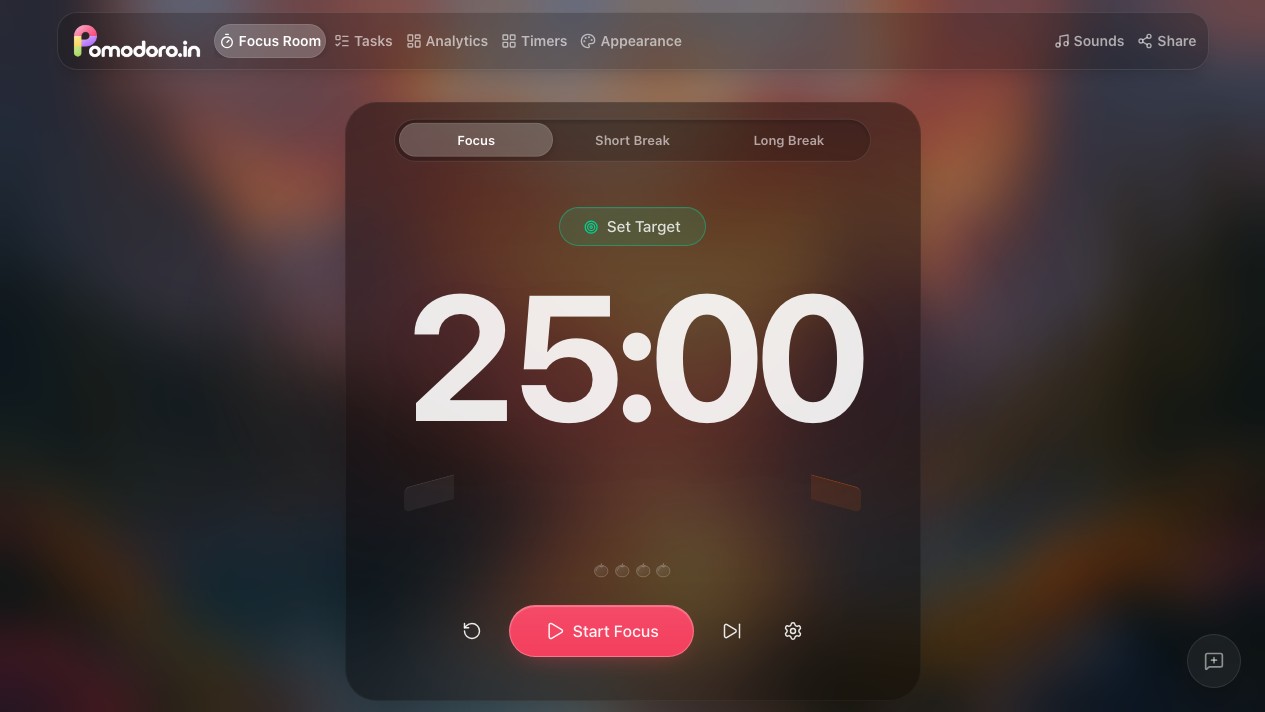
The public browser timer was started and paused, and duration settings were inspected. Task persistence, session history, focus audio and offline continuation are checked in the local release tests. The public deployment may be an older version.
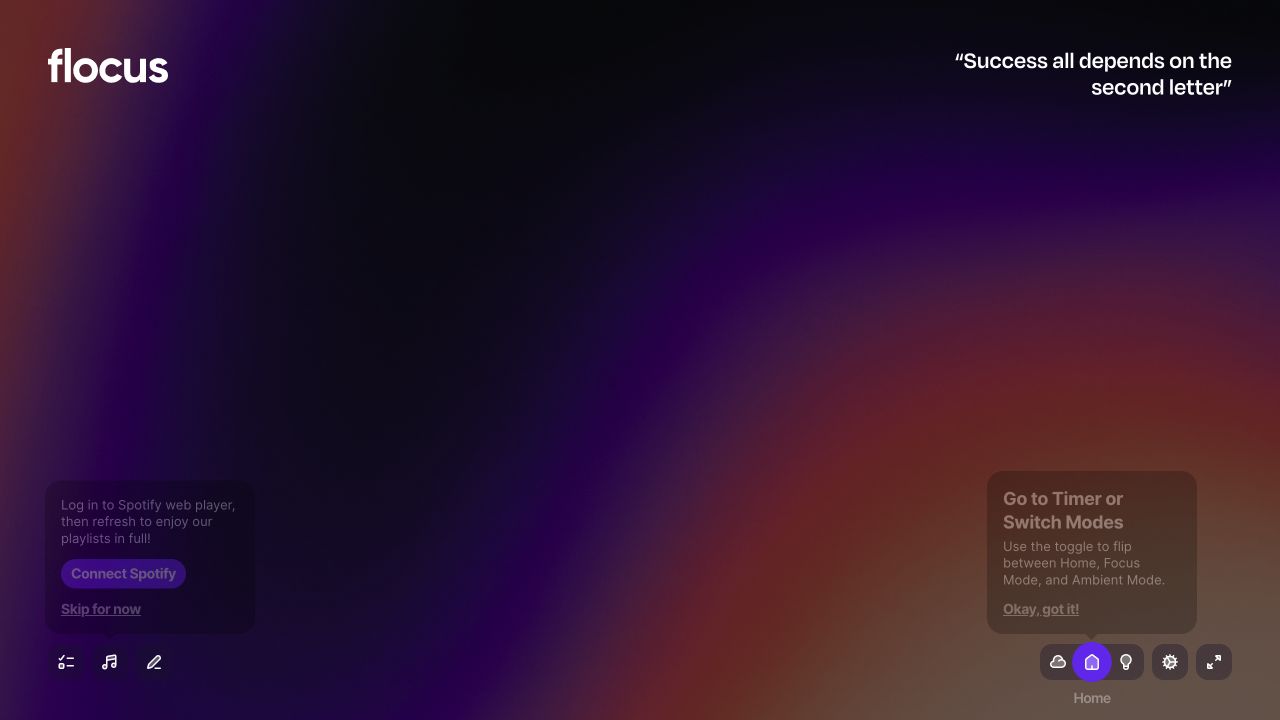
Flocus official dashboard features
Official dashboard documentation reviewed and the public app opened using Stay logged out. The guest workspace and sound controls were inspected. Exact quotas, reports and paid features were not audited.
Continue comparing
Try one session before switching
Pick one task, use a comfortable interval and see whether this workflow suits you. Keep your previous records accessible while you evaluate it.
Try a 25-minute session