Pomofocus Vs Focus To-Do
By Pawel · Reviewed
Both products connect focus time to work, but planning a session and maintaining a schedule are different jobs. Start with the task feature that would cause trouble if it disappeared.
The short answer
Choose Pomofocus for a browser routine centered on estimated sessions. Evaluate Focus To-Do when deadlines, repeats and synchronization shape your day. Check the current native plan before moving a schedule.
Features side by side
Available means the capability exists; check the detail for tier limits. Not verified means unknown, not missing. Sources and review scope follow the table.
| Decision factor | Pomofocus | Focus To-Do |
|---|---|---|
| Free access | AvailableBasic tier; premium extrasOfficial documentation | Not verifiedDownload links published; current free-tier limits not verifiedOfficial documentation |
| Account requirements | AvailableGuest timer/tasks; Report requires loginBrowser observation | Not verifiedNot verified in this reviewOfficial documentation |
| Custom intervals | AvailableCustom focus and break timesBrowser observation | Not verifiedPomodoro workflow documented; custom interval limits not testedOfficial documentation |
| Task management | AvailableTask estimates and templatesBrowser observation | AvailableDue dates, reminders, subtasks, repeats and notesOfficial documentation |
| Focus history & reports | AvailableDaily/weekly/monthly; login requiredBrowser observation | AvailableTime and project statisticsOfficial documentation |
| Audio | AvailableAlarm and focus soundsBrowser observation | Not verifiedNot verified in this reviewOfficial documentation |
| Appearance | AvailableColor settingsBrowser observation | Not verifiedNot verified in this reviewOfficial documentation |
| Platforms | AvailableWeb; macOS, Windows, Linux downloadsOfficial documentation | AvailableiOS, Android, Mac, Windows, Chrome extensionOfficial documentation |
| Offline behavior | Not verifiedNot verified in this reviewOfficial documentation | Not verifiedNot verified in this reviewOfficial documentation |
| Data storage | Not verifiedGuest storage and account retention not auditedOfficial documentation | Not verifiedStorage and retention not auditedOfficial documentation |
| Cross-device sync | Not verifiedNot verified in this reviewOfficial documentation | AvailableMulti-device synchronization advertised; tier not verifiedOfficial documentation |
| Advanced features | Paid / mixed tierProjects, yearly reports, CSV, integrations, ad removalOfficial documentation | Not verifiedPremium feature allocation not verifiedOfficial documentation |
Choose each product when
Choose Pomofocus for planning a task list with pomodoro estimates
Task estimates make the planned day visible. Keep it if your existing planning routine works well and its integrations matter to you.
Keep in mind: Decide whether the premium features matter before switching. A different timer will not necessarily preserve existing reports or integrations.
Choose Focus To-Do for tasks that need reminders and synchronization
For a schedule that moves between devices, evaluate the task workflow before judging the timer. Recurring commitments need more than a countdown.
Keep in mind: Plan limits and exact prices were not established in this review. Check the store and plan for your device before committing to a migration.
Test one immediate task and one recurring task
An immediate task shows how easy it is to start a session. A recurring commitment shows whether the tool can maintain your schedule. Compare both before deciding that a simpler timer can replace a broader task system.
Review evidence at the right level
The Pomofocus browser workflow was checked directly, including its Report login requirement. Focus To-Do’s native workflow is represented by official documentation rather than an installed-app trial. Unknown plan limits remain unknown instead of becoming a feature loss in the table.
A local third option
If neither scheduling nor cloud synchronization is necessary, Pomodoro.in offers local task context and focus history without an account. It does not replace the broader integrations and scheduling requirements discussed above.
Local history and usage analytics
Tasks, settings and focus history are stored on your device. Usage analytics are enabled by default and can be disabled in Settings. There is no automatic cloud sync; clearing browser storage can remove local records. Read the privacy policy.
Sources & review scope
Reviewed on . We distinguish browser observations, official documentation and the reviewed Pomodoro.in implementation. We did not purchase subscriptions or test every native platform. Prices and limits can change.
Pomodoro.in product facts were synchronized with the implementation on . This update does not represent a new review of competitor products. Read our editorial policy.
Pomofocus basic & premium features
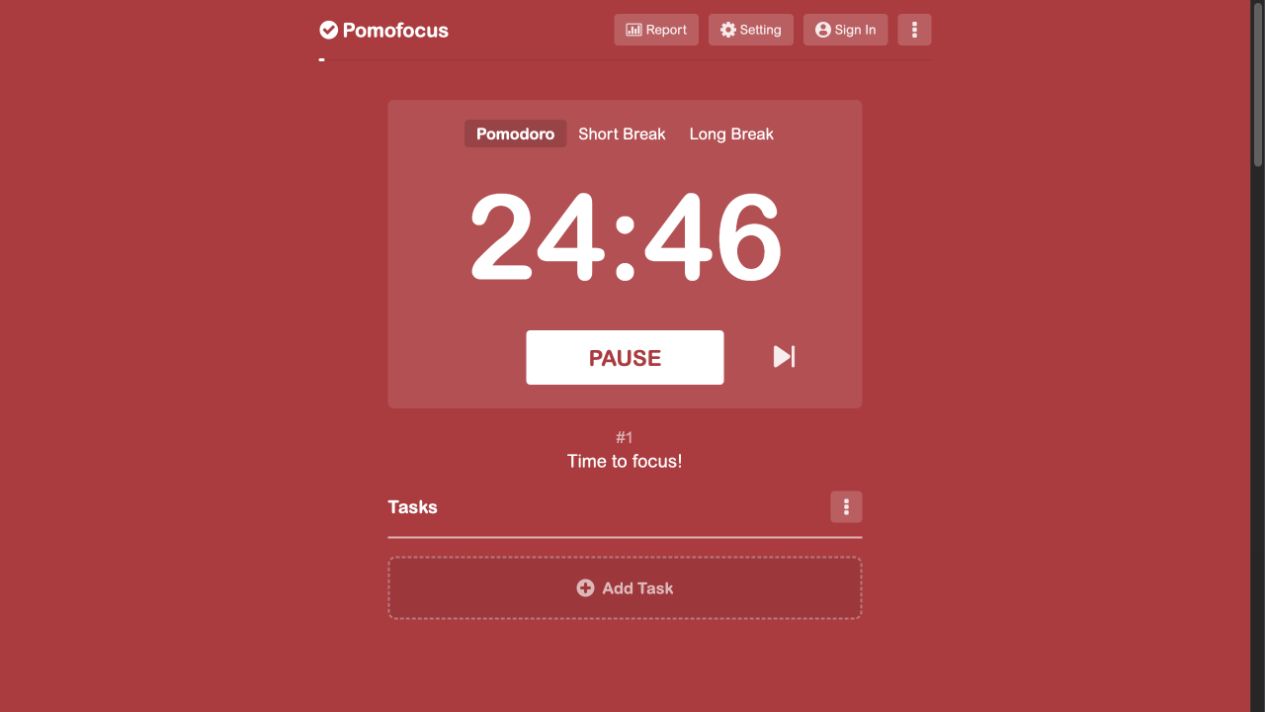
Started and paused a browser session, changed the focus interval, saved a sample task and opened Report. Report displayed a login requirement. Paid integrations were not purchased; offline behavior was not tested.
Focus To-Do official features & platforms
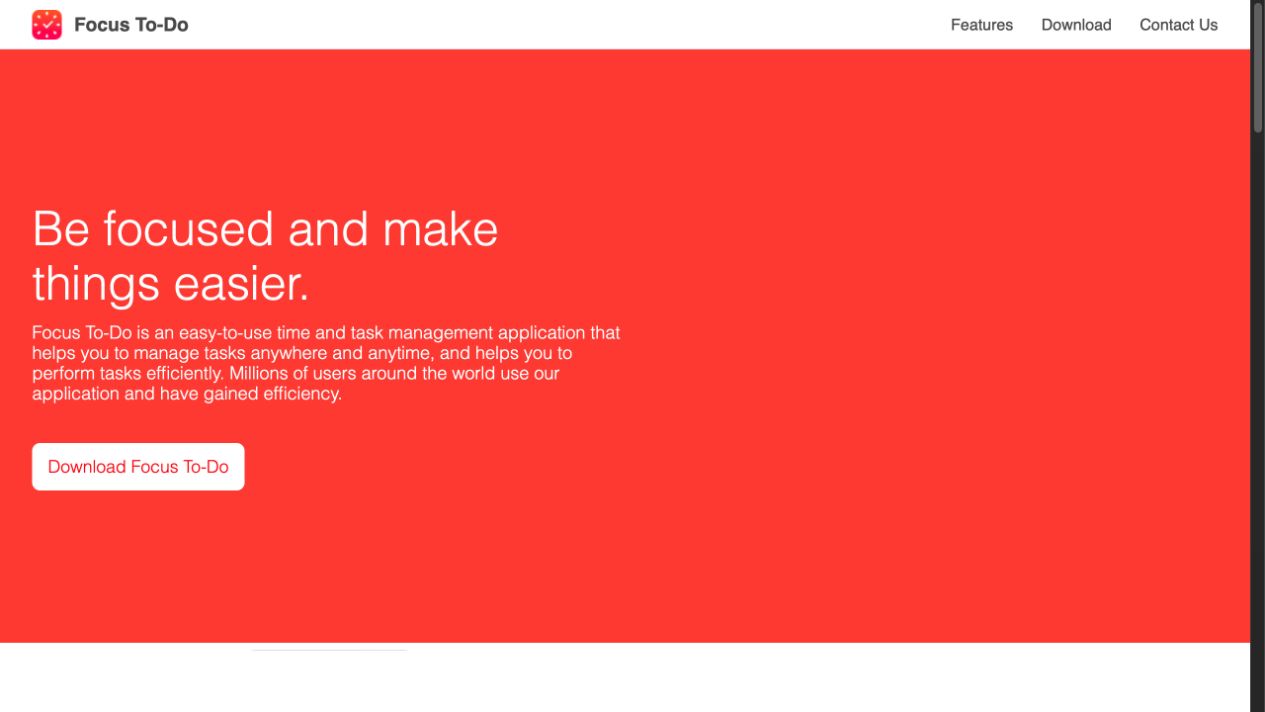
Official feature and platform documentation reviewed. Native apps, subscriptions, account requirements and offline operation were not tested; the screenshot shows the official website rather than an installed app.
Continue comparing
Try one session before switching
Pick one task, use a comfortable interval and see whether this workflow suits you. Keep your previous records accessible while you evaluate it.
Try a 25-minute session