Pomofocus Vs Forest
By Pawel · Reviewed
If you are choosing between Pomofocus and Forest, decide whether the difficulty is planning the work or staying with it. A task-estimation routine and a growing-tree reward loop address different moments in a session.
The short answer
Choose Pomofocus for estimating and organizing work around a browser timer. Consider Forest for visible rewards and device-specific distraction controls. Test the workflow that matches your actual interruption pattern.
Features side by side
Available means the capability exists; check the detail for tier limits. Not verified means unknown, not missing. Sources and review scope follow the table.
| Decision factor | Pomofocus | Forest |
|---|---|---|
| Free access | AvailableBasic tier; premium extrasOfficial documentation | AvailableCore focus free; optional PlusOfficial documentation |
| Account requirements | AvailableGuest timer/tasks; Report requires loginBrowser observation | Not verifiedNot verified in this reviewOfficial documentation |
| Custom intervals | AvailableCustom focus and break timesBrowser observation | AvailableSelectable focus length; break controls not testedOfficial documentation |
| Task management | AvailableTask estimates and templatesBrowser observation | Not verifiedTask-list workflow not verifiedOfficial documentation |
| Focus history & reports | AvailableDaily/weekly/monthly; login requiredBrowser observation | Paid / mixed tierBasic tracking free; advanced analytics PlusOfficial documentation |
| Audio | AvailableAlarm and focus soundsBrowser observation | AvailableAmbient sounds; some soundscapes PlusOfficial documentation |
| Appearance | AvailableColor settingsBrowser observation | AvailableTree rewards; additional species PlusOfficial documentation |
| Platforms | AvailableWeb; macOS, Windows, Linux downloadsOfficial documentation | AvailableiOS, Android and browser advertisedOfficial documentation |
| Offline behavior | Not verifiedNot verified in this reviewOfficial documentation | AvailableCore timer/tree/stats offline, per vendorOfficial documentation |
| Data storage | Not verifiedGuest storage and account retention not auditedOfficial documentation | Not verifiedLocal/cloud storage details not auditedOfficial documentation |
| Cross-device sync | Not verifiedNot verified in this reviewOfficial documentation | AvailableAccount/history sync advertised; tier not verifiedOfficial documentation |
| Advanced features | Paid / mixed tierProjects, yearly reports, CSV, integrations, ad removalOfficial documentation | AvailableApp blocking and group focus; expanded controls PlusOfficial documentation |
Choose each product when
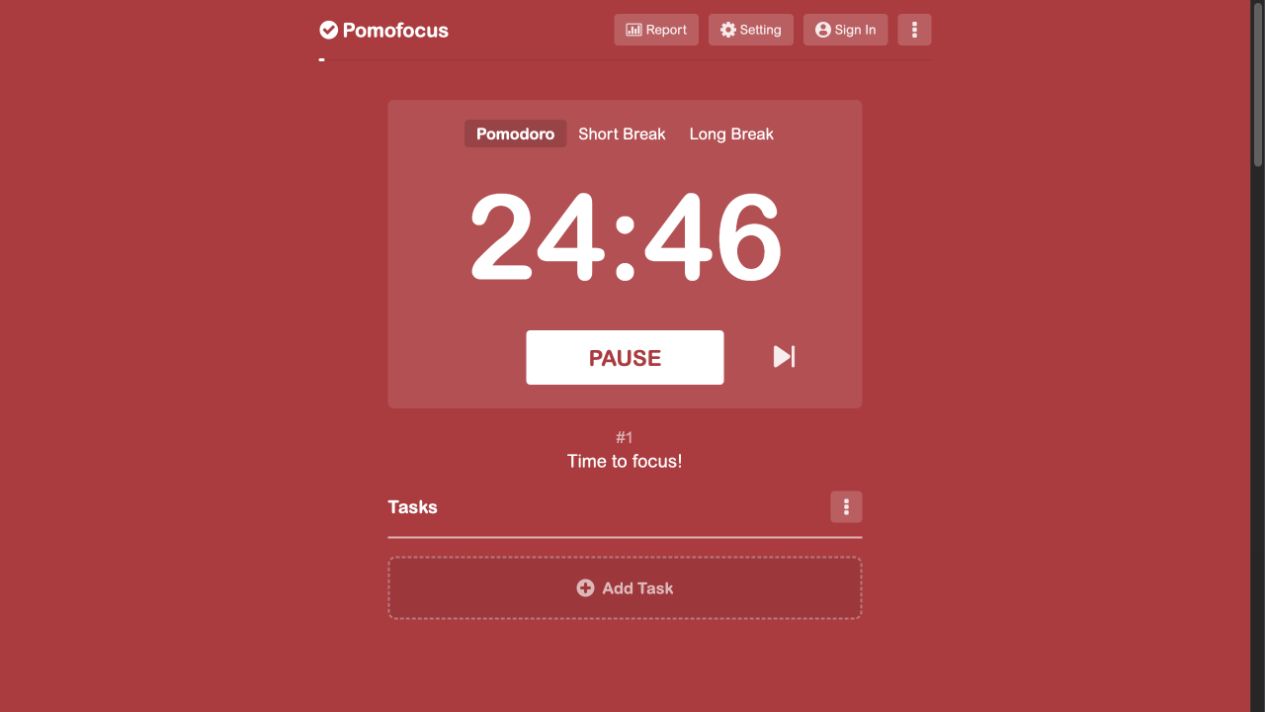
Choose Pomofocus for planning a task list with pomodoro estimates
Task estimates make the planned day visible. Keep it if your existing planning routine works well and its integrations matter to you.
Keep in mind: Decide whether the premium features matter before switching. A different timer will not necessarily preserve existing reports or integrations.
Choose Forest for visible rewards and help staying away from distracting apps
Choose a reward system you want to return to. If phone distractions interrupt every session, evaluate a tool that can intervene on the phone itself.
Keep in mind: Blocking behavior depends on platform permissions and version. A browser timer is not a like-for-like substitute for phone app blocking.
Plan the work or protect the session?
Write down where your last session failed. If you chose too much work, estimating smaller tasks may help you plan. If you left for distracting apps, investigate the protection available on that device. Switching the timer alone may not resolve either habit.
Compare the records you will use
Do you want to look back at estimated sessions per task or a visible collection of focused time? Inspect each tool’s report before making it your permanent record. Account requirements and paid analytics should be checked independently of whether the basic timer is free.
Where a local workspace fits
Pomodoro.in is another option when local tasks and focus history are sufficient. It has XP rather than Forest’s tree mechanic and does not provide app blocking or automatic cloud sync. Keep existing trees and reports in their original tools.
Local history and usage analytics
Tasks, settings and focus history are stored on your device. Usage analytics are enabled by default and can be disabled in Settings. There is no automatic cloud sync; clearing browser storage can remove local records. Read the privacy policy.
Sources & review scope
Reviewed on . We distinguish browser observations, official documentation and the reviewed Pomodoro.in implementation. We did not purchase subscriptions or test every native platform. Prices and limits can change.
Pomodoro.in product facts were synchronized with the implementation on . This update does not represent a new review of competitor products. Read our editorial policy.
Pomofocus basic & premium features
Started and paused a browser session, changed the focus interval, saved a sample task and opened Report. Report displayed a login requirement. Paid integrations were not purchased; offline behavior was not tested.
Forest official features & Free/Plus comparison
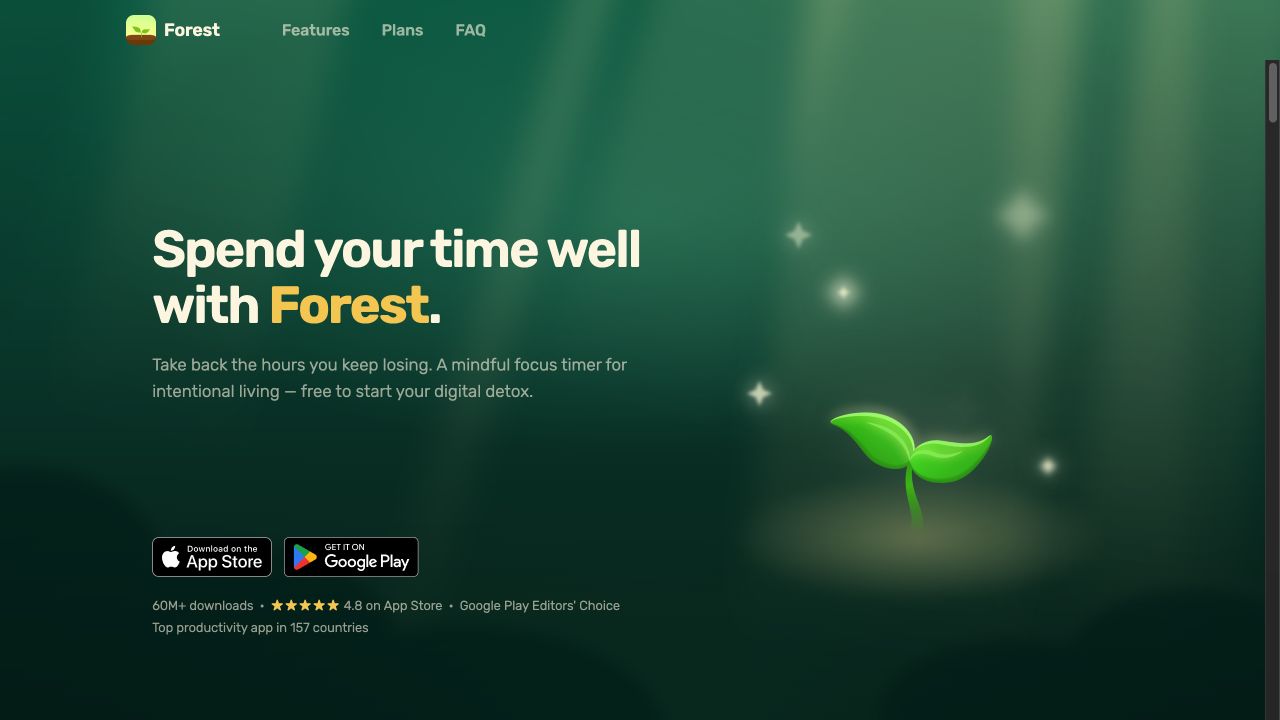
Official Free/Plus and platform documentation reviewed. No native installation, purchase or permission-based blocking test was performed. The screenshot shows the official website.
Continue comparing
Try one session before switching
Pick one task, use a comfortable interval and see whether this workflow suits you. Keep your previous records accessible while you evaluate it.
Try a 25-minute session